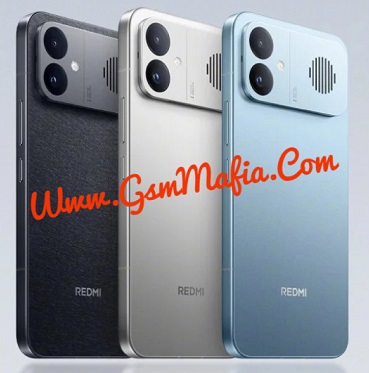


Download Redmi Pad 2 SE Qualcomm Snapdragon 6s Gen 2 Flash File Firmware Latest Version For free from GsmMafia. This file can be used for fix hang on logo and bricked device. Always use latest version to flash Redmi Pad 2 SE . Read all flashing instructions before flashing the phone and Use latest Xiaomi Flash Tool.
Download Redmi Pad 2 SE Flash File Firmware:
WhatsApp Me For Login +917017426154
About Redmi Pad 2 SE
Redmi Pad 2 SE is Powered by Qualcomm Snapdragon 6s Gen 2 (6 nm) 5G Latest Chipset (CPU). It comes with 8GB, 12GB and 16GB of RAM. Redmi Pad 2 SE come with 7600mAh non-removable battery and fast charging 18W. Redmi Pad 2 SE runs HyperOS is based on Android 16 and packs 256GB, 512GB and 1TB of inbuilt storage and phone does not have dedicated SD card slot to extend device storage.
How To Flash Redmi Pad 2 SE Via Xiaomi Flash Tool:
- Download Redmi Pad 2 SE Flash File And Tool
- Extract File And Tool
- Move flash file folder to desktop (recommended)
- Then open tool and select file in tool
- Connect to pc by shorting EDL points
- Click refresh in tool
- Click on flash button
- wait till process completed
- All done.
Note: You need to authorized tool to flash and remove mi account from Redmi Pad 2 SE
Whatsapp me for login +917017426154
(Please check if the ROM file suffix is ‘.tgz’. If it is ‘.gz’, please rename it to ‘.tgz’)
If you facing any problem or error on flashing your device you can Contact Me. I will help you.
Follow Us On Facebook Click Here