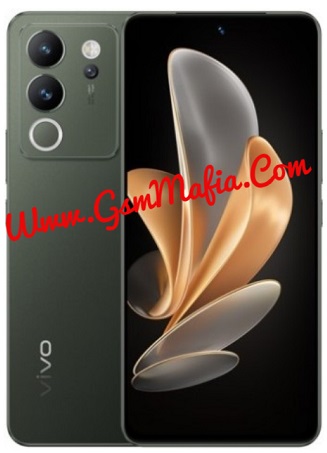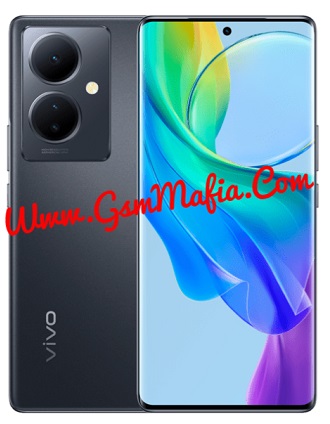


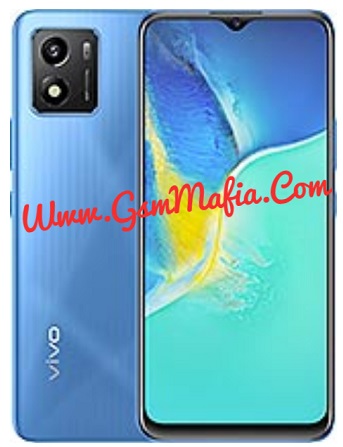
Vivo Y01 PD2140F Flash File Firmware Official Rom used for fix brick condition, hang on logo, corrupted device and other software problems and flashing of stock rom remove root sign from device. Download Vivo Y01 PD2140F Latest Flash File, Flash tool and driver from links given below. Read all flashing instructions before flashing the phone.
Stock rom flashing can repair imei and fix all red, orange and yellow state problems.
Download Vivo Y01 PD2140F Flash File Firmware:
WhatsApp me for flashing (Paid) +917017426154
About Vivo Y01
Vivo Y01 is Powered by Mediatek MT6765 Helio P35 (12 nm) Chipset. It comes with 3GB and 3GB of RAM. Vivo Y01 come with 5000mAh non-removable battery. Vivo Y01 runs Funtouch OS 11.1 is based on Android 11 and packs 64GB And 32GB of inbuilt storage and phone have dedicated SD Card slot to Extend device storage.
Pre-requisites before flashing Vivo Y01
Battery should be charged up to 70%
Make sure you have Vivo USB OG Cable
Download and install SP Flash Tool in PC (Recommended: UMT, Unlocktool, EMT Tool, MRT)
Download And install drivers in your pc
Obviously Knowledge of flashing.
The Advantage Of Stock ROM:
- Flash Stock ROM to unbrick your Vivo Y01
- Flash Stock ROM to fix the boot loop problem
- Upgrade And Downgrade Vivo Y01
- Unroot and fix bugs on your phone
- To fix the lag or Stutter on your Vivo Y01
- By flashing Stock ROM, you can solve software problems
- Revert back to Stock to gain your warranty.
How To Flash Vivo Y01 PD2140F Using SP Flash Tool:
- Download and install MediaTek driver in your pc (skip this step if MediaTek drivers are already installed)
- Download Vivo Y01 PD2140F MTK flash File and tool and extract both
- Run SP flash tool and select Scatter File from flash file folder
- Click Download Button
- Power Off and connect your phone
- SP Flash tool will start flashing automatically after detect your phone.
- It will lead you to successful flashing.
Whatsapp Me For Flashing +917017426154 (if you facing any problem while flashing)
Note: If your device is not connecting to pc then download the driver from above and install in your pc.
If you getting any error in flashing then Contact Me. I will help you.